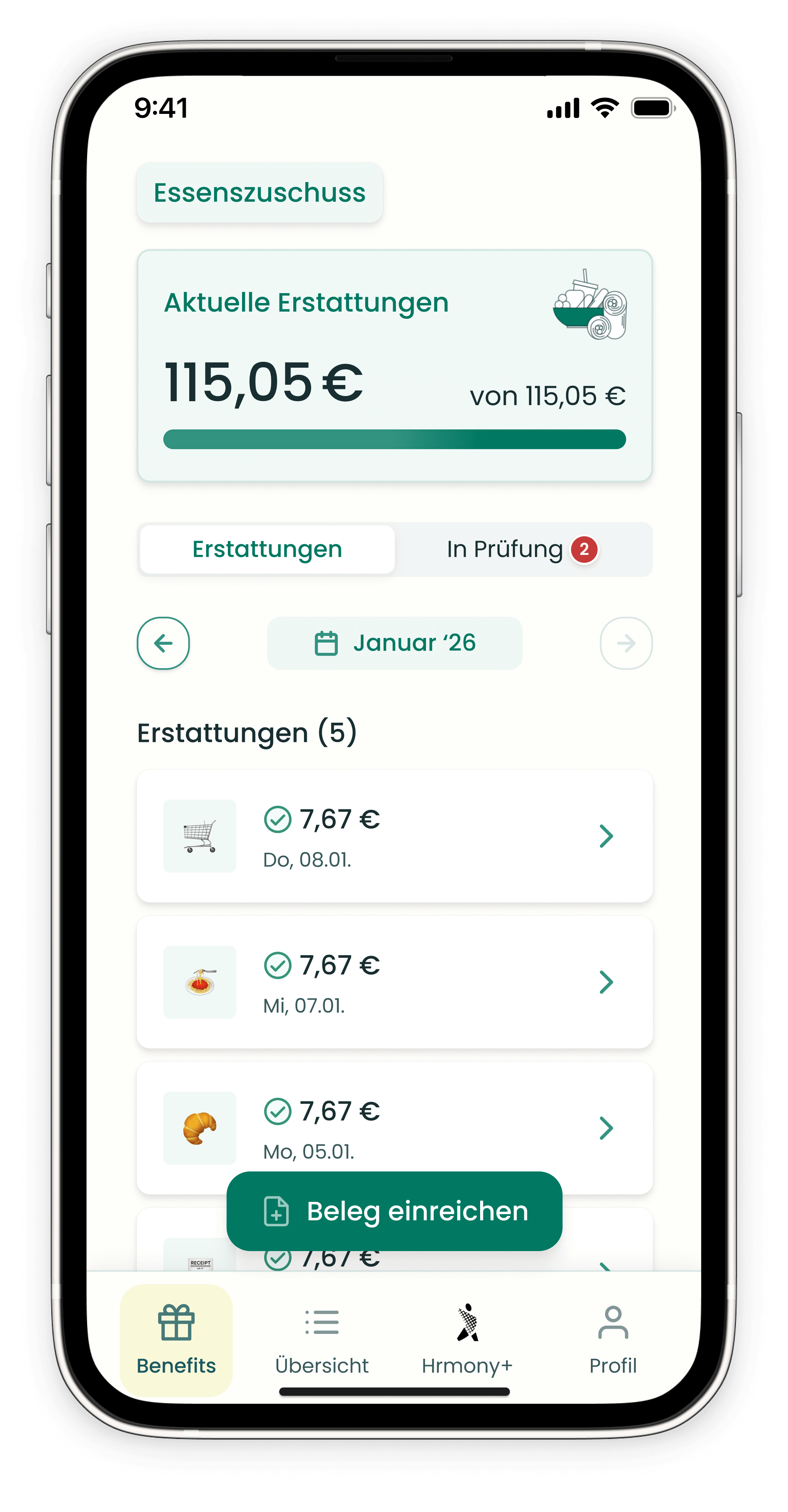
In most cases, your receipt is processed within a few minutes to a few hours. In exceptional cases – for example at the end of the month during peak usage – it can take up to 24 hours.
How to track your receipt status
| Status | Meaning |
|---|---|
| In Review | Receipt has been successfully submitted and is being checked |
| Processed | Receipt has been reviewed and archived – the reimbursement appears in your overview |
Step by step
- Submit your receipt via the Hrmony app.
- Your receipt appears under "In Review".
- Processing usually takes a few minutes to a few hours.
- Once processed, the reimbursement is displayed in your overview.
Note: At the end of the month, processing may take a little longer due to high user volume. Please keep this in mind when submitting your receipts.
Still have questions? Our support team is happy to help – just use the chat in the bottom right corner of this page.