

You can easily upload receipts for your meal allowance via the Hrmony App.
How the upload works
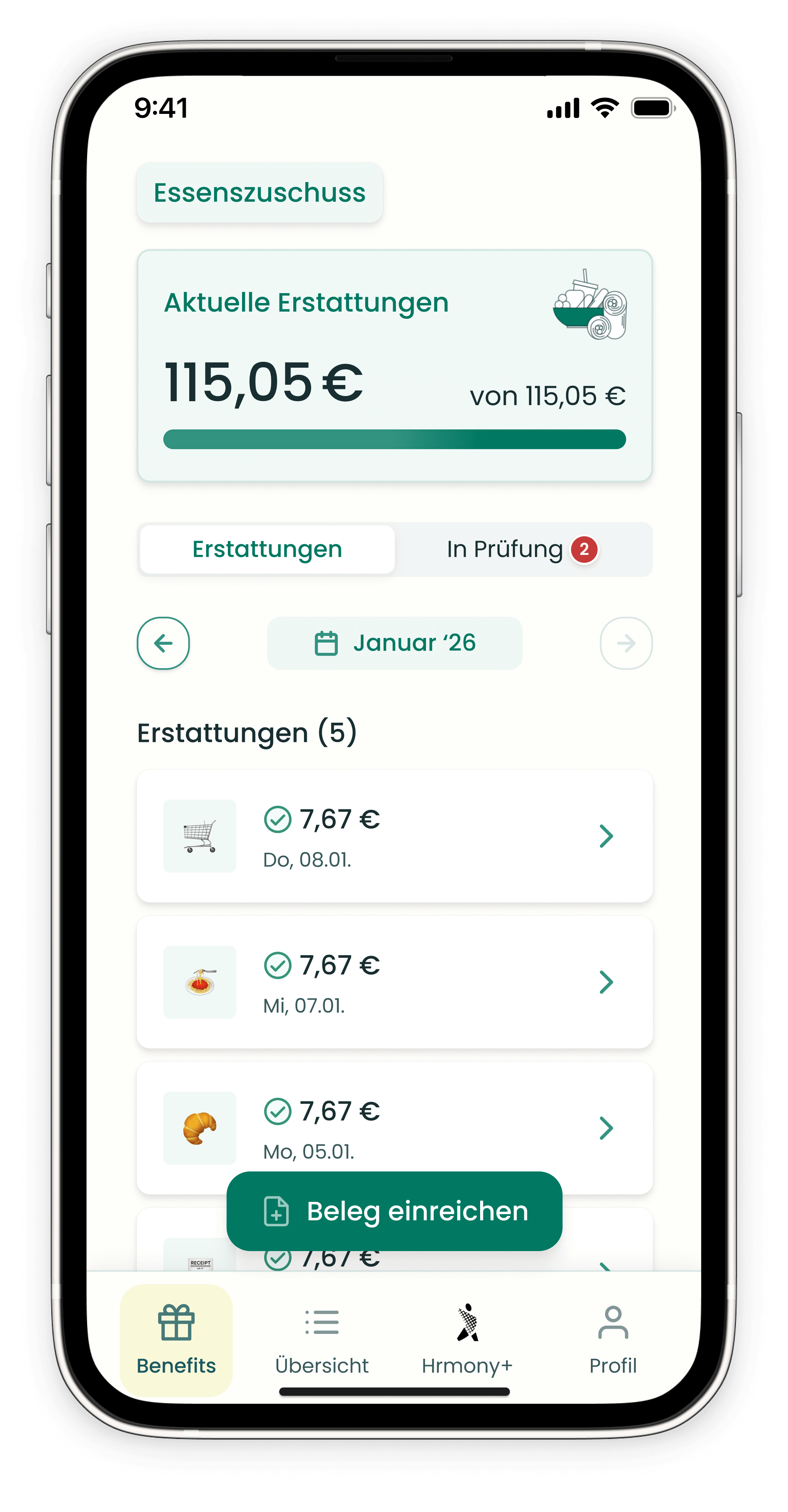
Tap the green button “Submit receipt" at the bottom of the display window. You then have the following options:
- 📷 Take a photo directly – capture the receipt with your smartphone camera and upload it immediately
- 🖼️ Choose from the photo app – upload an already saved receipt photo from your gallery
- 📁 Upload from a file folder – select a digital receipt (e.g., PDF) from your device storage
Tip: Make sure the receipt is sharp, well-lit, and fully legible and contains all important information.
What happens after the upload?
- “Under review" – the receipt appears in this section immediately after upload and is checked by Hrmony
- “Reimbursements" – once the receipt has been successfully reviewed, you will find it here
Note: Since all receipts are carefully reviewed, processing may take a few days in individual cases. During this time, the receipt remains visible in the “Under review" section.
Problems uploading?
If a receipt gets stuck in the status “Uploading", close the app completely and reopen it. If that doesn’t help, contact our support team.
Still have questions? Our support team is happy to help – just use the chat at the bottom right of this page.